- Home
- Posts
- Why Your Inbox Isn't Getting Emails: Troubleshooting
Why Your Inbox Isn't Getting Emails: Troubleshooting
From Spam Filters To Blocking: Step-By-Step Fixes for Undelivered Emails

Kanishka
March 20, 2026

Why Am I Not Receiving Emails at All?
If an email fails to load, that is a display problem. If an email never shows up, that is a delivery problem.
Just a disclaimer: This post is only about emails that are not received at all.
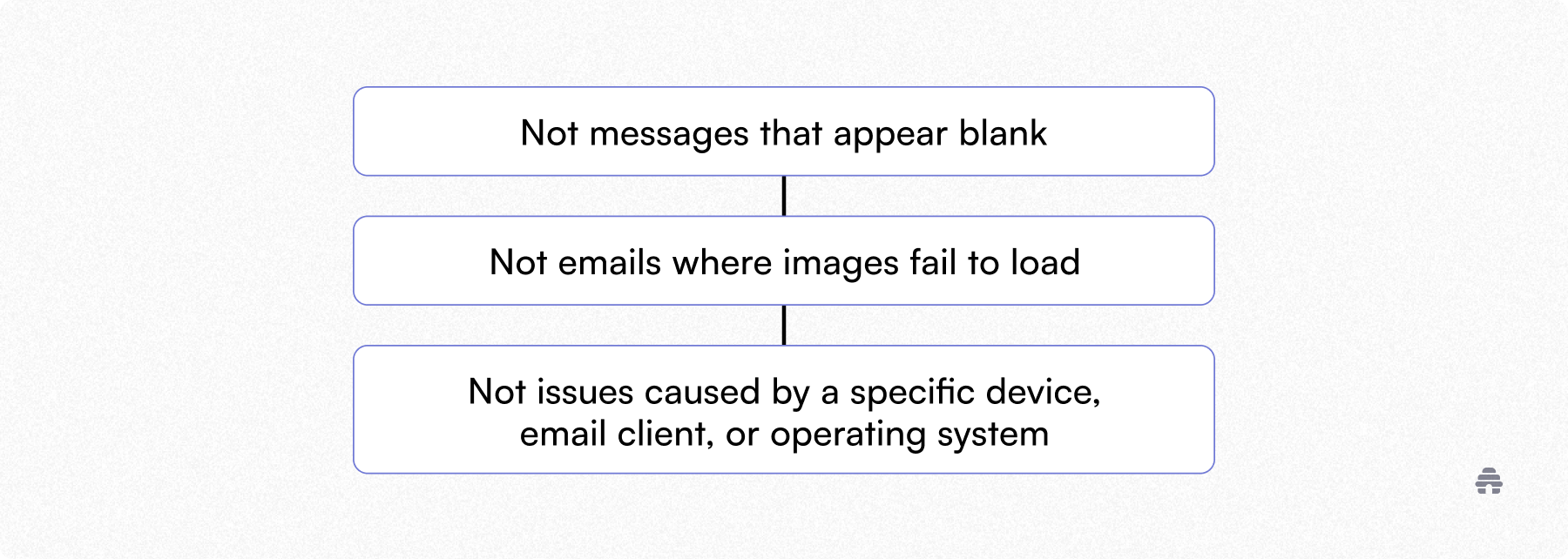
We are talking about emails that never appear anywhere.
When an email is missing from the inbox, spam, or promotions, the issue is seldom the email app. It is something that happened before the message ever reached the user. Filtering. Blocking. Or delivery failures upstream.
What “Not Receiving Emails” Usually Means
When people say they are “not receiving emails,” they are usually describing one of three situations.
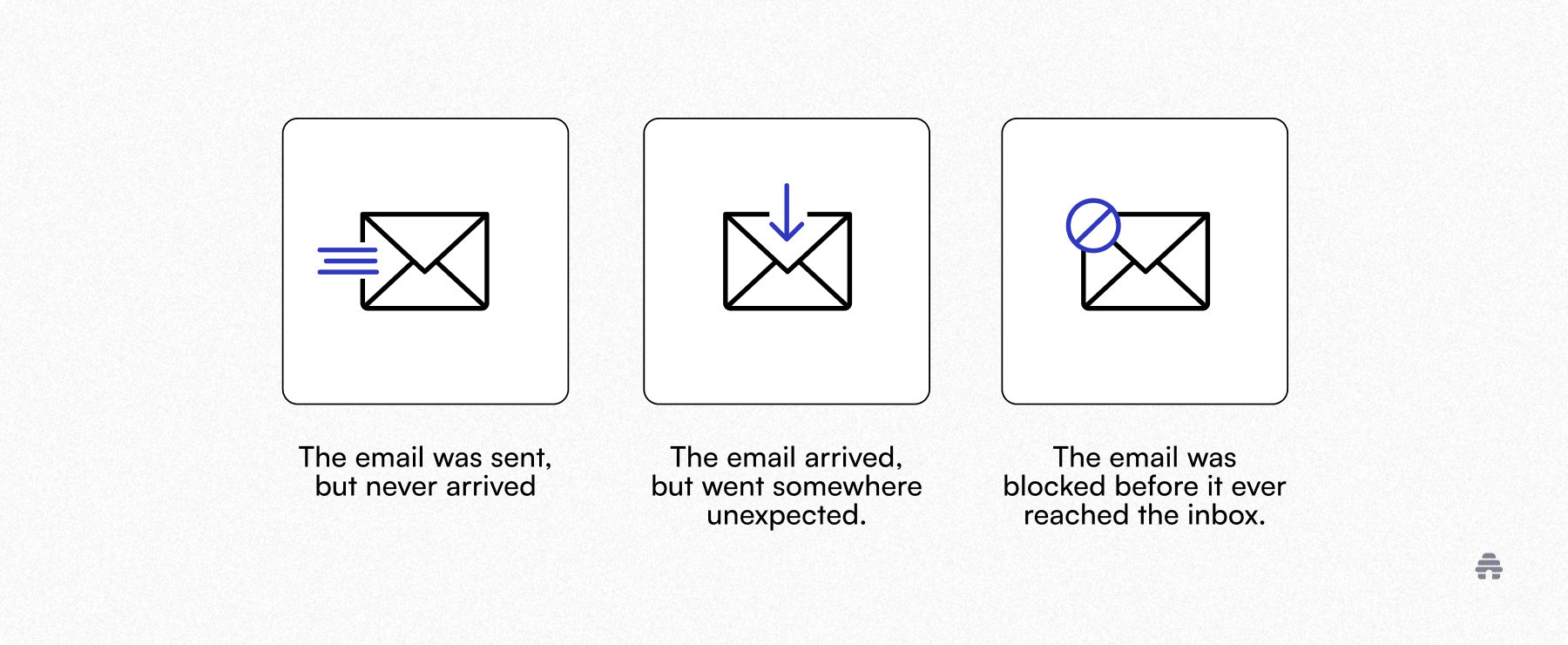
Those all feel the same to the recipient. But they are very different problems. This post walks through them in order, starting with the most common.
First, Confirm the Email Was Actually Sent
Before checking inboxes, filters, or providers, confirm the email exists.
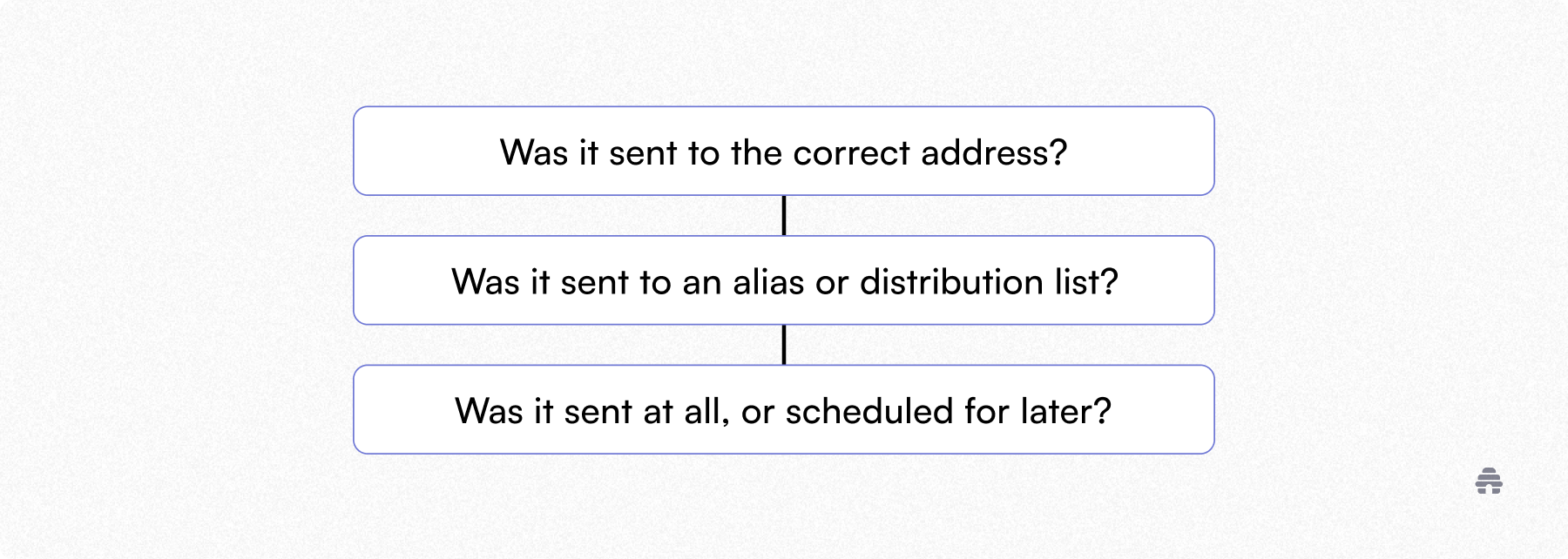
With newsletters and automated emails, short delays can happen. But a total absence almost always points to filtering or blocking, not timing.
Why Trust Me: I’ve been strategizing content at beehiiv for over 3 years, with hands-on experience across email, the content economy, and audience-led growth.
Check Spam and Secondary Inboxes
This step sounds obvious, but it explains a large percentage of “missing email” reports.
Check spam or junk folders.
Check Promotions, Updates, or Forums in Gmail.
Check focused or other inboxes in Outlook.
Inbox providers aggressively reroute anything that looks automated, commercial, or unfamiliar.
If the email is there, take action. Mark it as not spam. Move it to Primary. Add the sender to contacts.
Those signals matter and improve future delivery.
Inbox Rules and Filters Silently Remove Emails
Many people forget they ever created inbox rules. Some were set years ago. Others came from defaults or workplace configurations.
Common rule behavior includes automatically deleting certain senders, moving emails into folders that never get checked, or archiving messages on arrival.

If an email is technically delivered but immediately moved or deleted, it feels exactly like it never arrived.
The Sender May Be Blocked
Inbox providers block senders at multiple levels.
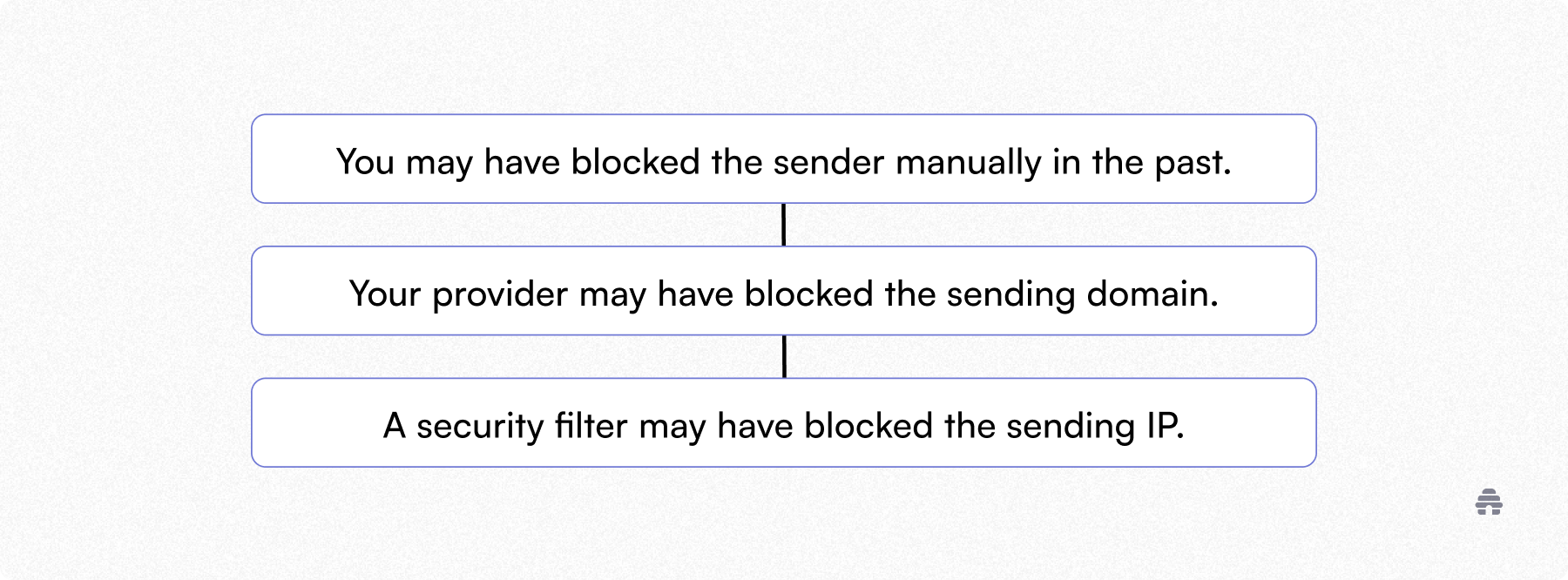
If emails from one specific sender never arrive, this is one of the most likely causes. Unblocking the sender, adding them to contacts, or replying to a previous email can restore trust quickly.
Work, School, and ISP Inboxes Are Stricter
If you are using a work, school, or ISP-provided email address, your inbox is likely being filtered aggressively.
These systems often block newsletters entirely, reject emails with tracking, or drop messages without notifying anyone.
In these cases, the email may never appear anywhere. The sender may not receive a bounce. Only IT can override it.
If emails arrive in Gmail but not your work inbox, the issue is institutional filtering.
Why Emails Stop Arriving Suddenly
A common pattern is emails that used to arrive normally and then stopped.
This usually happens when a spam complaint is triggered, filtering rules change, the sender switches domains, or inbox providers update their reputation thresholds.
Inbox reputation is not static. One negative signal can change delivery behavior overnight.
Aliases, Typos, and Forwarding Issues
Some of the most frustrating causes are also the simplest.
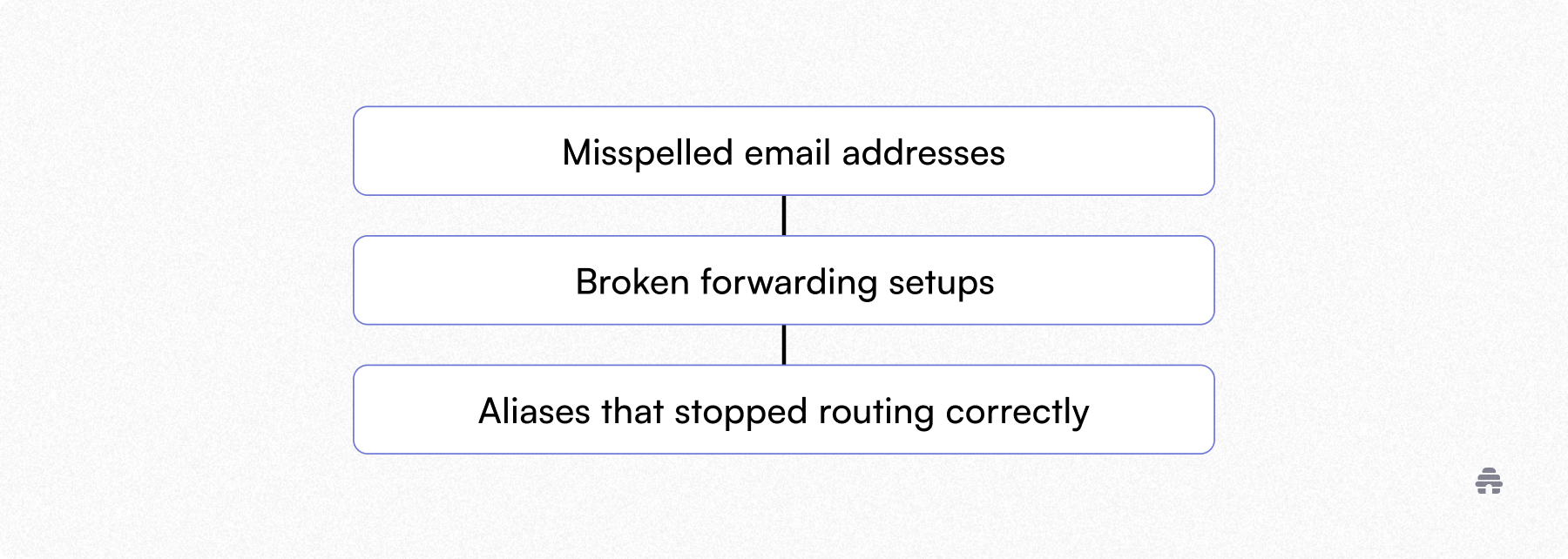
If you use forwarding, custom domains, or multiple aliases, test delivery to the base address directly.
When It Is Not Your Inbox
If multiple people did not receive the same email, the sender sees delivery failures, or no one can find the message anywhere, the issue is sender-side deliverability.
That is a different problem entirely and needs to be fixed by the sender’s email platform.
This post intentionally stops here.
Quick Checklist
If you want a fast diagnosis:
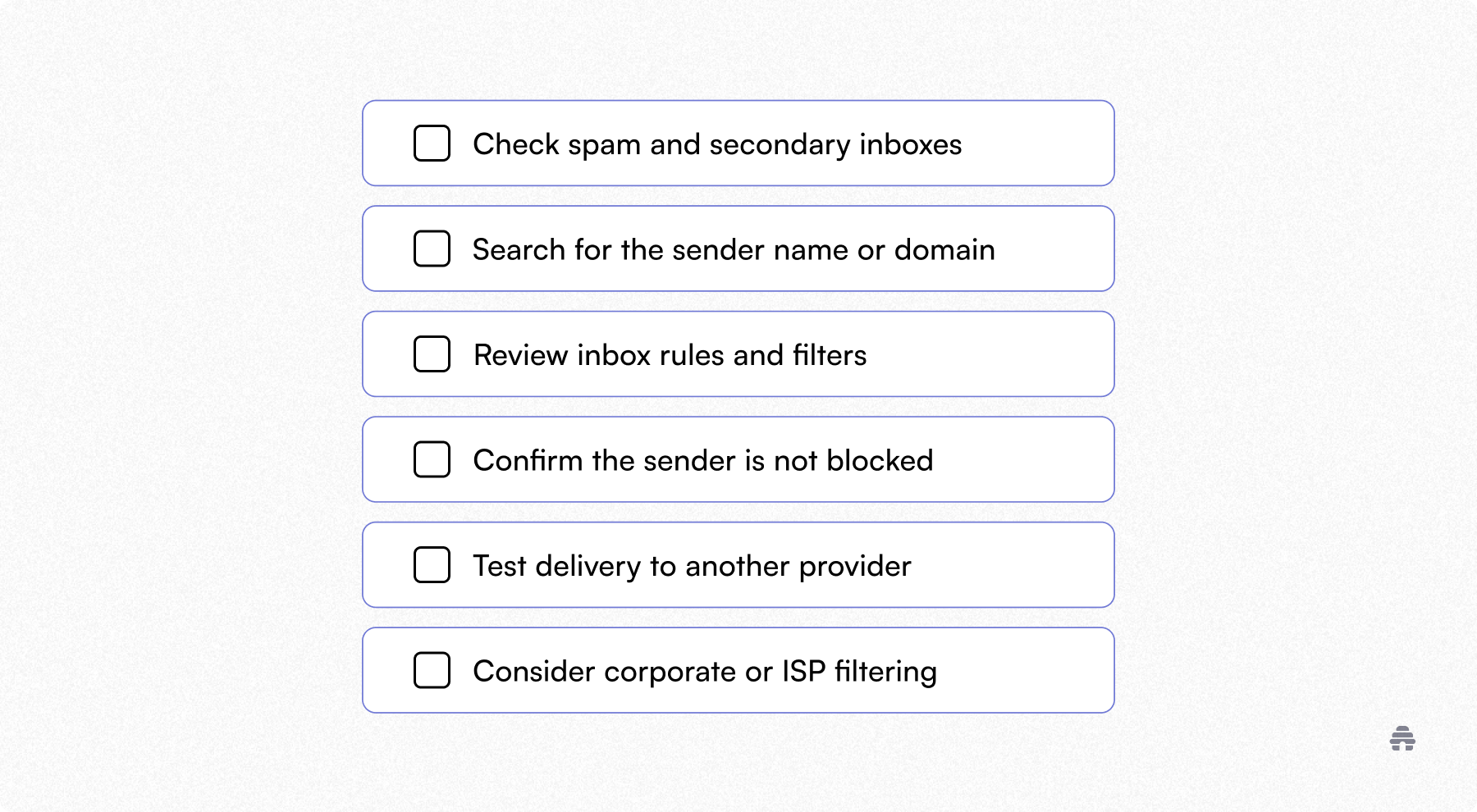
If the email exists somewhere, it is a routing issue. If it does not exist anywhere, it is a delivery issue.
The Bottom Line
When emails are not being received at all, the cause is rarely your email app.
It is usually filtering, blocking, reputation, or routing rules.
If you run a newsletter, delivery is not abstract. It is the product.
beehiiv is built with deliverability, sender reputation, and inbox placement in mind from day one. Start publishing with beehiiv.
Related Articles