RSS-to-Send
Automate Your Newsletter Creation Workflow
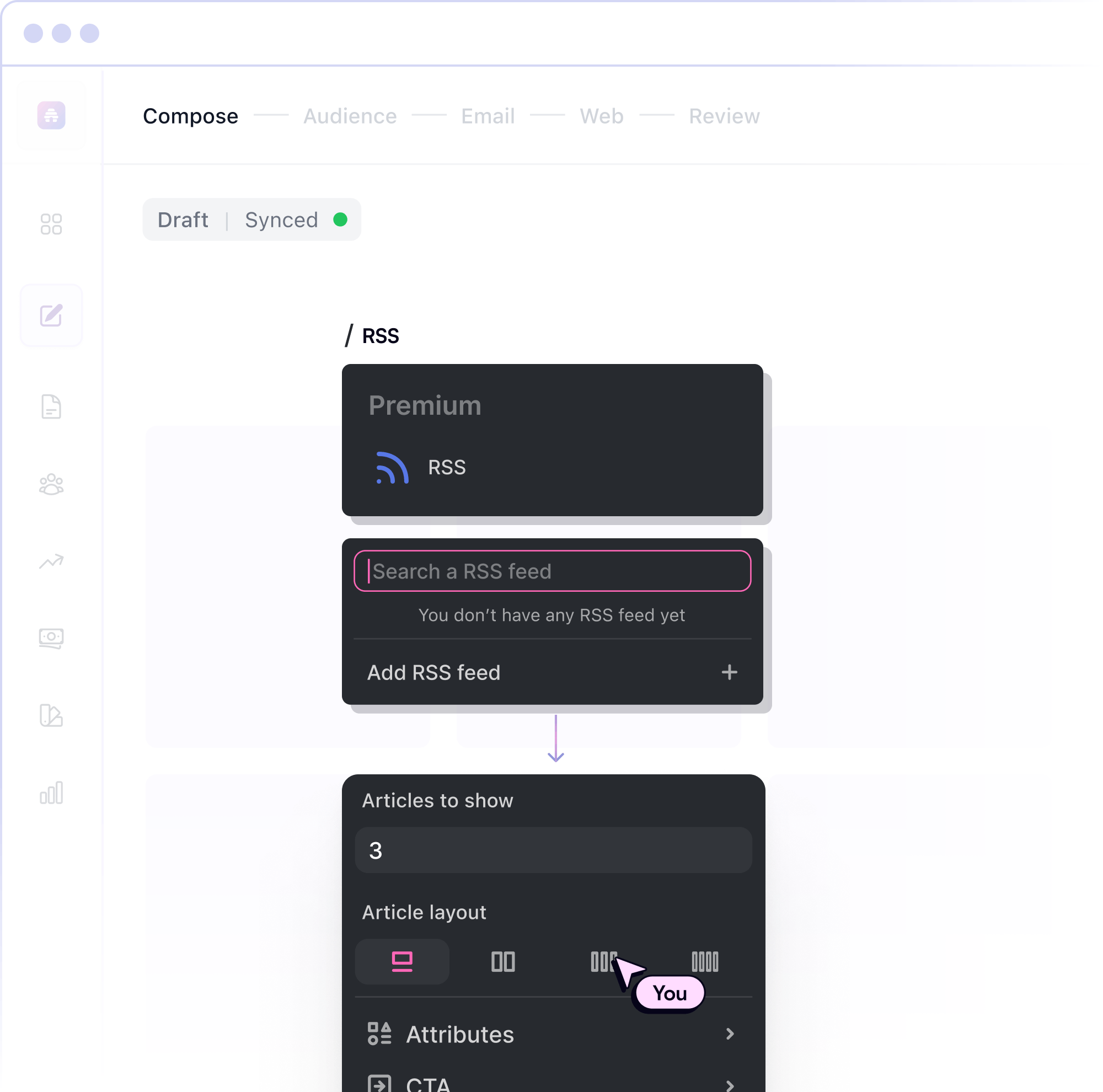
Automatically create custom email newsletters from your RSS feed and keep your subscribers engaged, without lifting a finger.
Powering the World's Top Publishers
Stay Consistent Without the Extra Work
RSS-to-Send keeps your audience engaged while you focus on creating great content.
Fully Automated Content Distribution
Save hours every week by automating your RSS-to-email newsletter workflow so every new post becomes a ready-to-send email.
Customization & Control
Decide which content gets sent, customize your template, and schedule your RSS emails in advance.
Keep Your Audience Engaged
Ensure subscribers always get new content as soon as it's published, improving retention and building a consistent habit.
Seamless Integration
Works effortlessly with any RSS feed, no complicated setup required.
Consistent Newsletter Delivery
Send newsletters on autopilot, ensuring consistency and improving subscriber retention.
Better Performance Tracking
Monitor open rates, clicks, and engagement for each RSS newsletter campaign.
Start Growing Your Business Today
Newsletter automation with RSS-to-Send gives you more time to build your business.

“beehiiv lets us operate with a small team and deliver killer content seven days a week. Without beehiiv, we wouldn't have reached the heights we are at today.”
Matt Village
Founder, Mindstream
See RSS-to-Send in Action
A quick walkthrough of how to enable and use the RSS-to-Send feature.
Save time by automating RSS feed-to-newsletter creation.
Customize formatting, scheduling, and content selection with ease.
Automatically transform new content into well-designed newsletters.
How to Enable RSS-to-Send
Set up your RSS-to-Send automation in just a few steps.

Spend Less Time Sending, More Time Creating
RSS-to-Send takes care of distribution so you can focus on growth.
Why Creators Love RSS-to-Send
RSS-to-Send is ideal for creators who want to keep their audience informed without spending hours formatting email newsletters. Whether you publish frequent blog posts, news updates, podcast episodes, or industry insights, RSS automation ensures every update is delivered instantly.
RESOURCES TO HELP YOU SUCCEED
Guides & Tutorials
Learn how to optimize your newsletter strategy.
Case Studies
See how others have grown their audience with beehiiv.
Webinars & Workshops
Stay ahead with expert insights.
Frequently Asked Questions
What is RSS-to-Send, and how does it work?
RSS-to-Send is a feature that automates the creation and sending of newsletters using content from your RSS feed. It allows you to populate your newsletters with fresh content automatically, saving time and ensuring consistency.
How do I set up RSS-to-Send in beehiiv?
To set up RSS-to-Send, go to your beehiiv dashboard, navigate to "Automations," select "RSS-to-Send," enter your RSS feed URL, customize the email format and scheduling, and enable the automation.
Does RSS-to-Send support any RSS feed?
Yes, RSS-to-Send works seamlessly with any RSS feed, with no complicated setup required. This makes it easy to integrate with your existing content management platform.
How does RSS-to-Send help with subscriber engagement?
RSS-to-Send ensures your subscribers receive fresh content as soon as it's published, helping keep them engaged and interested in your newsletters.
Is the automation process fully automated?
The automation process is fully automated once set up. You can focus on creating content while beehiiv handles the newsletter sending and distribution.
Is there a limit to the number of RSS feeds I can use with RSS-to-Send?
The specific limits on the number of RSS feeds you can use may depend on your beehiiv plan. You should check your plan details for more information.
What happens if my RSS feed includes multiple posts at once?
You choose whether each email campaign includes one recent post or a batch of new content.
