- Home
- Posts
- How I Used ChatGPT to Design High-Converting Thumbnails
How I Used ChatGPT to Design High-Converting Thumbnails
I Stopped Guessing What Thumbnails Work.

Kanishka
September 01, 2025
It all started with a MrBeast quote I couldn’t stop thinking about:
“If they don’t click, they never watch.”
The same applies to blogs, newsletters, and content sites. Your thumbnail is your first impression. And if it's boring, vague, or forgettable, readers scroll past.
So I ran an experiment: I used ChatGPT to design my entire thumbnail strategy.
From copy hooks to color contrast, I built a repeatable system.
Here’s how I did it, and how you can too.
Why Website Thumbnails Matter More Than You Think
I finally redesigned my website!!!
Took me 3 hours with @beehiiv over the weekend.
This is how I shipped it.
It sat untouched for 6 months.The lesson? Don’t wait to feel proud.
Ship → then shape.— Kanishka 🐝 (@beingkanishka_)
5:29 PM • May 26, 2025
Whether it’s a featured image on your homepage, blog post preview, or email card inside your beehiiv newsletter, thumbnails influence every click.
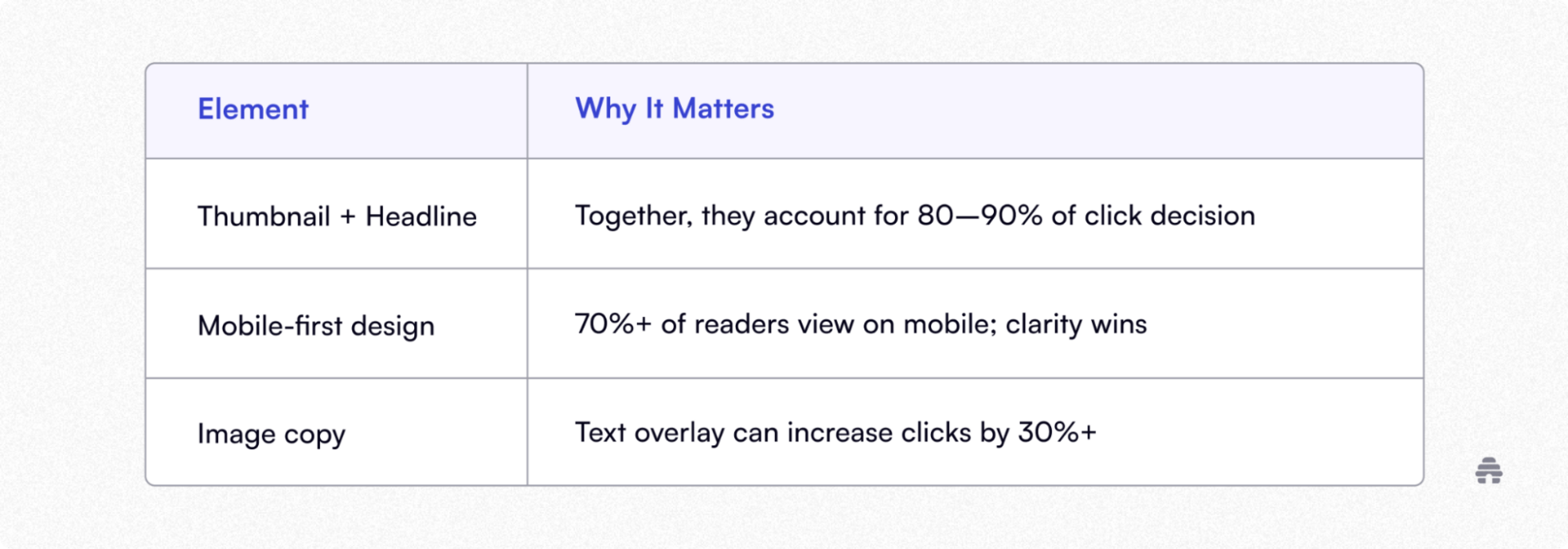
If you’re publishing to a feed (like beehiiv’s site feed, Medium, or your blog grid), your thumbnail is the difference between being clicked or ignored.
How I Used ChatGPT To Design High-CTR Thumbnails
Step 1: I Asked ChatGPT What Actually Works
I started with:
“What makes a high-converting website/blog thumbnail?”
ChatGPT returned research-backed answers:
3–6 word bold overlay
Emotionally resonant imagery
High-contrast color palettes
Clear focal point (face or object)
Left-to-right layout flow
Step 2: I Prompted It for Hooks
Each post got a custom overlay line. Prompts I used:
“Give me 10 curiosity-driven captions under 6 words for a blog about AI tools.”
“What are 5 emotional trigger phrases that encourage clicks for finance readers?”
“Write 3 text overlays that pair well with the headline ‘the content system that saved me xyz hours per week’”
The result? Text that complements my headline without repeating it.
Step 3: I Let ChatGPT Help With Design Direction
Prompt: “Suggest thumbnail color combinations that pass accessibility contrast ratios and feel bold but trustworthy.”

After drafting the initial thumbnail concept, I moved to the next step, locking in the design direction.
I prompted ChatGPT with:
“Suggest thumbnail color combinations that pass accessibility contrast ratios and feel bold but trustworthy.”
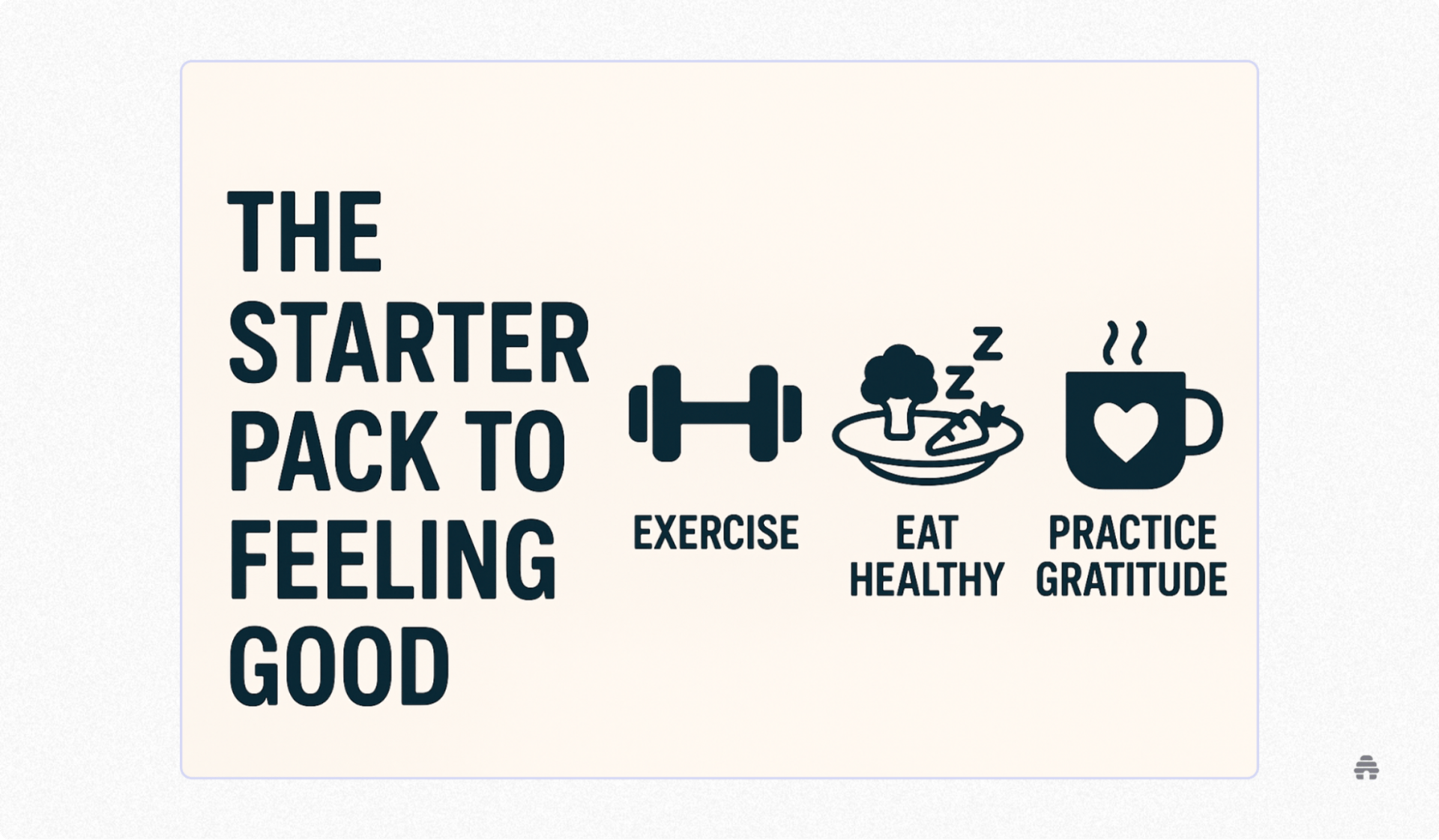
The result? I cut my image search and decision-making time in half.
What would’ve taken hours scrolling through inspiration boards turned into a clear, focused path—ready for production.

My Go-to Thumbnail Prompts (Definitely Steal These)
When you're on a deadline, staring at a blank Canva screen is the last thing you need.
These are the exact prompts I use with ChatGPT to quickly generate ideas for high-performing blog thumbnails, whether I’m optimizing for curiosity, color, or mobile click-through.
Copy, paste, and tweak for your next post:
1. “Suggest 5 curiosity-driven text overlays for a blog post about [topic].”
2. “Give me thumbnail color schemes that feel bold but calm.”
3. “What image concepts work best for [audience] on blogs?”
4. “Write 3 short captions that make people want to click on a story about [headline].”
5. “What layout direction boosts CTR on mobile?”
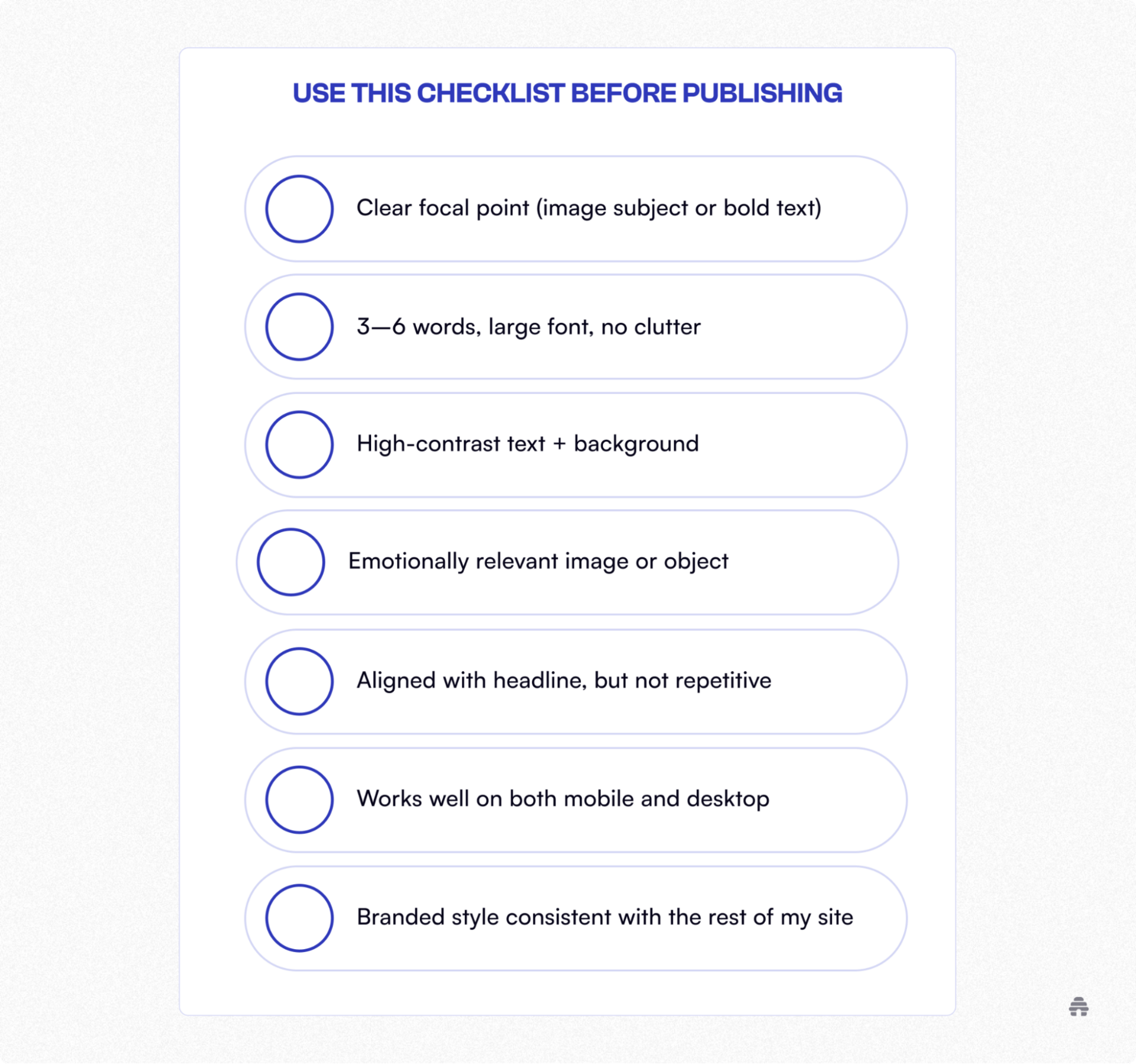
The Checklist I Now Use Before Publishing
Why Trust Me: I’ve spent the last 7+ years deep in the content world and the past 2 building and scaling content at beehiiv, one of the fastest-growing platforms for creators and publishers. I’ve always been obsessed with the creator economy, newsletters, and the systems that drive real growth.
Final Thoughts: Don’t Wing It. Design It
You don’t need to be a designer. You need a system.
ChatGPT helps you move from guesswork to guidance, so every thumbnail you publish gets sharper, faster, and more clickable.
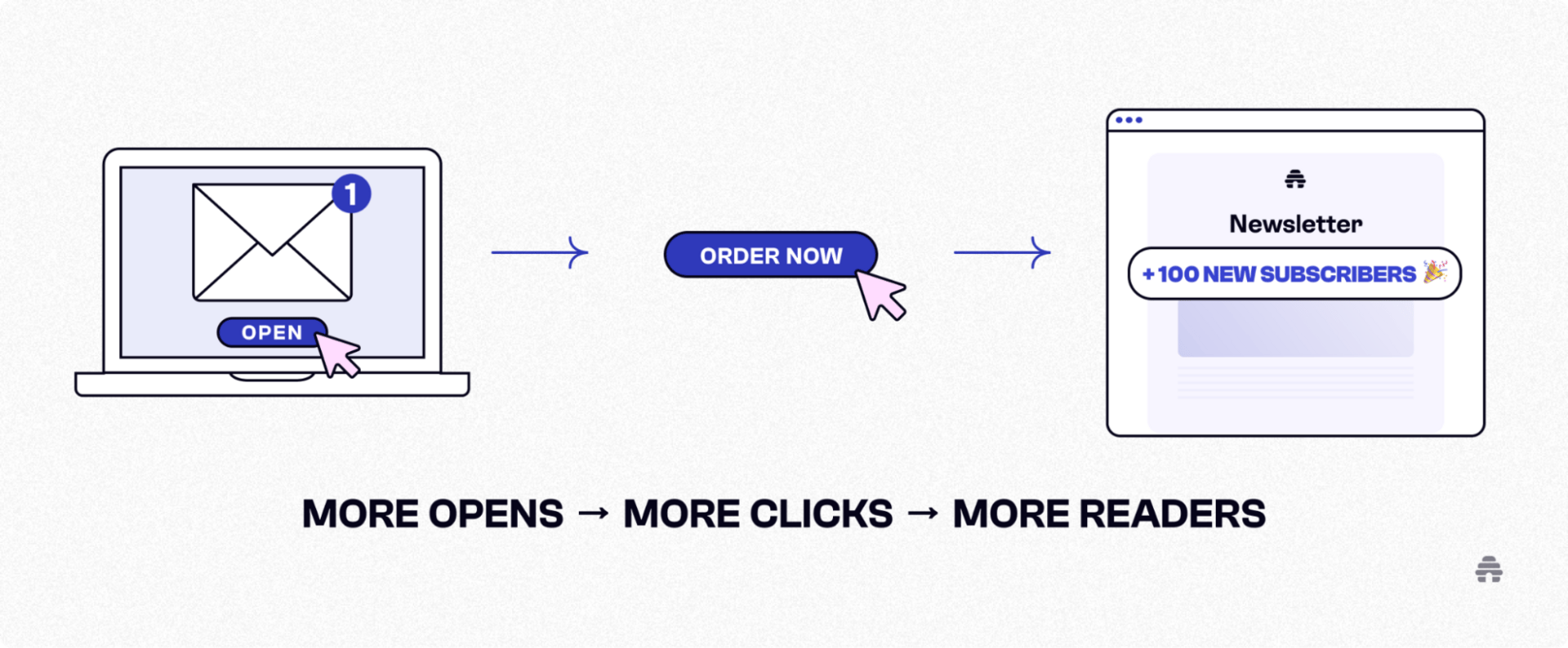
It’s about results: more opens, more clicks, more readers.
Start using AI to turn your blog into a scroll-stopper. And if you're building with beehiiv, you’re already halfway there.

Related Articles


The one place to build.
Get beehiiv updates delivered directly to your inbox.
By subscribing you agree to our Privacy Policy and provide consent to receive updates from our company.